Play the show
The metronome
A quiet pulse in the corner of the stage at each song's tempo. A click only in rehearsals, never during a show.
The pulse
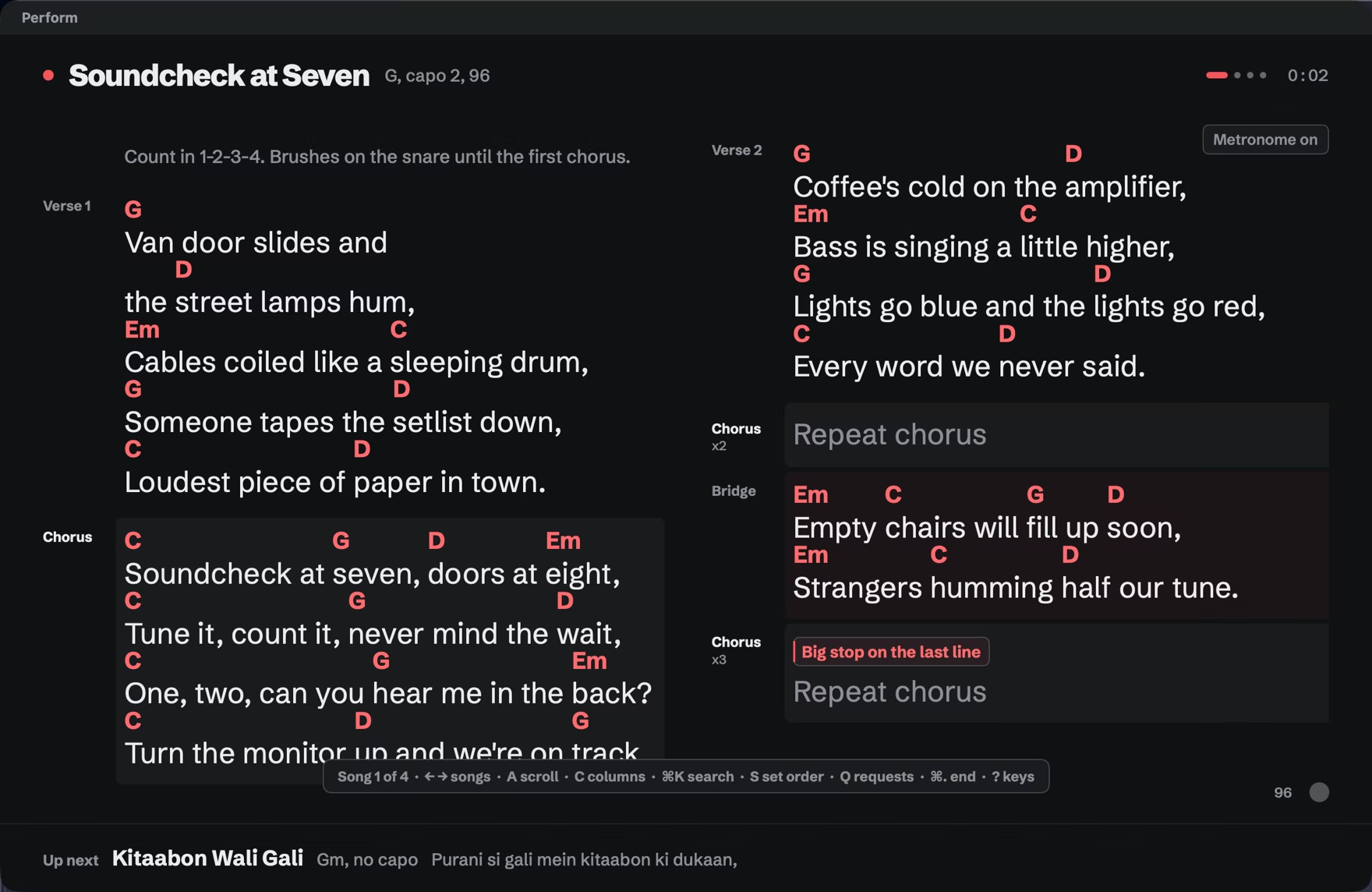
Section titled “The pulse”A small dot in the bottom right of the stage pulses at the song’s tempo and time signature, with the first beat of each bar in coral. Press M to show or hide it for this show, or use the Metronome row in the pre-show checklist. To start every show with it on, choose Settings > Live > Start shows with the metronome on.
Songs with no tempo
Section titled “Songs with no tempo”The metronome hides for a song without a tempo. Add one on the song card.
Compound meters
Section titled “Compound meters”In 6/8 and other compound meters, the pulse follows the dotted quarter: two pulses per bar in 6/8.
The click, in rehearsals only
Section titled “The click, in rehearsals only”In a rehearsal, press K to hear a click on each beat. It starts off every time, and there is never a sound during a show.