Start here
Getting started
Bring your songs in, make each chart yours, build the set, play the show. Each step below is one short page.
1Bring your songs inCopy a chord sheet, press ⌥⌘V, check the review.


Your first show in five steps
Section titled “Your first show in five steps”- Pick a library folder. Segue asks the first time it opens. Your songs live there as plain ChordPro files.
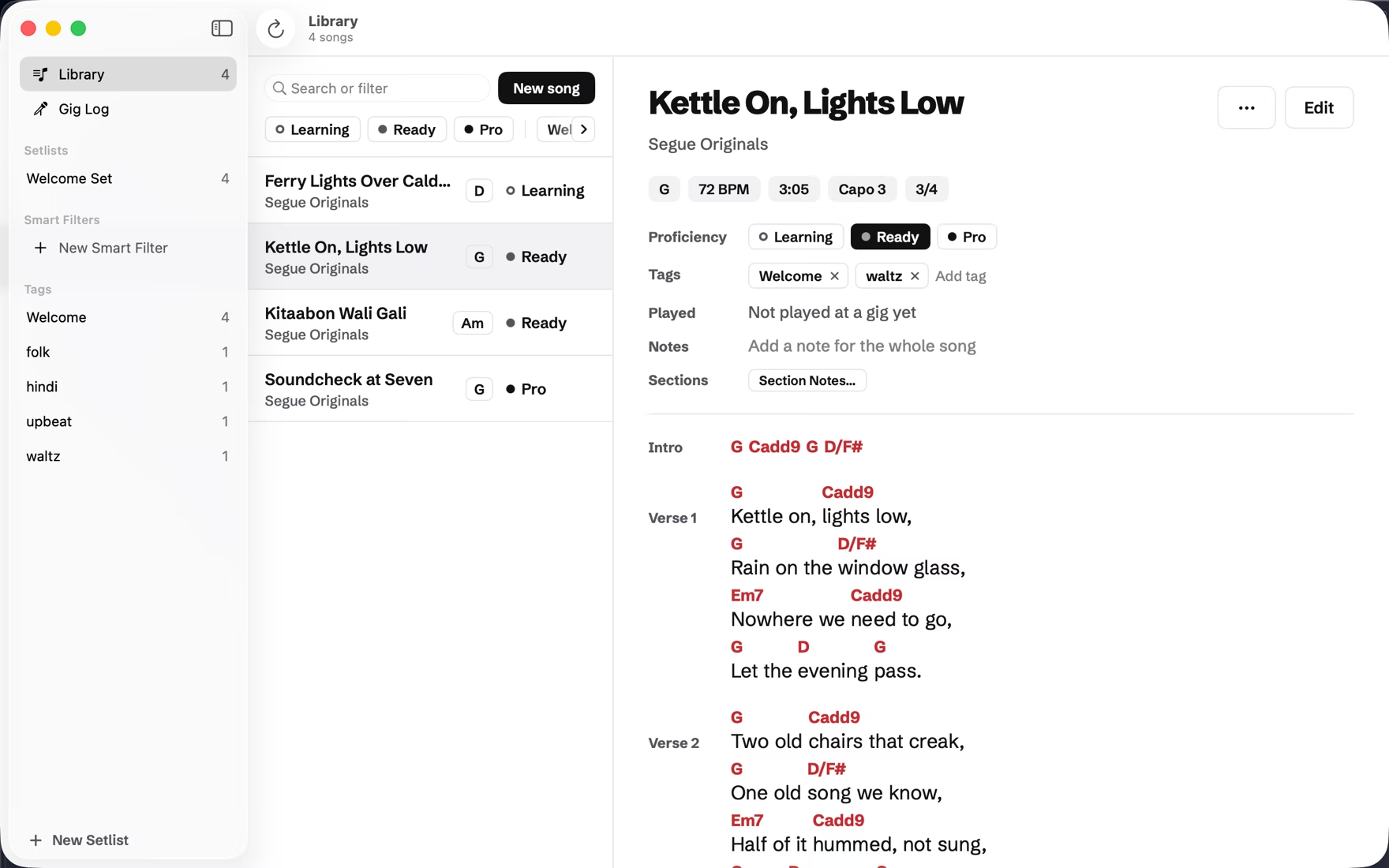
- Try the Welcome library. Four songs and a Welcome Set, written for Segue. Delete them whenever you like.
- Bring a song in. Copy a chord sheet from any site and press ⌥⌘V. Check the review, then import it.
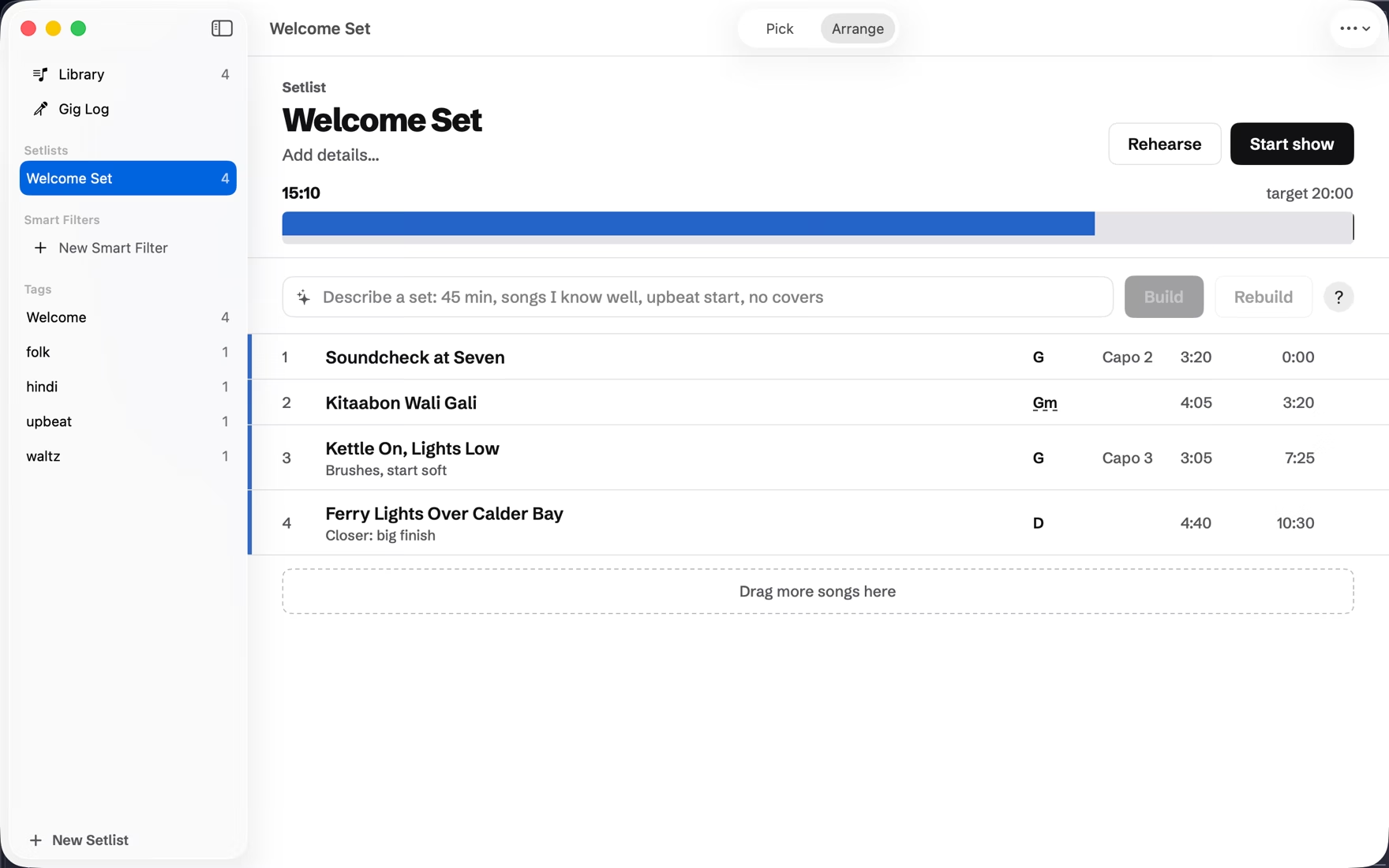
- Build a set. Press ⇧⌘N for a new setlist, then Space ticks songs in the order you want them.
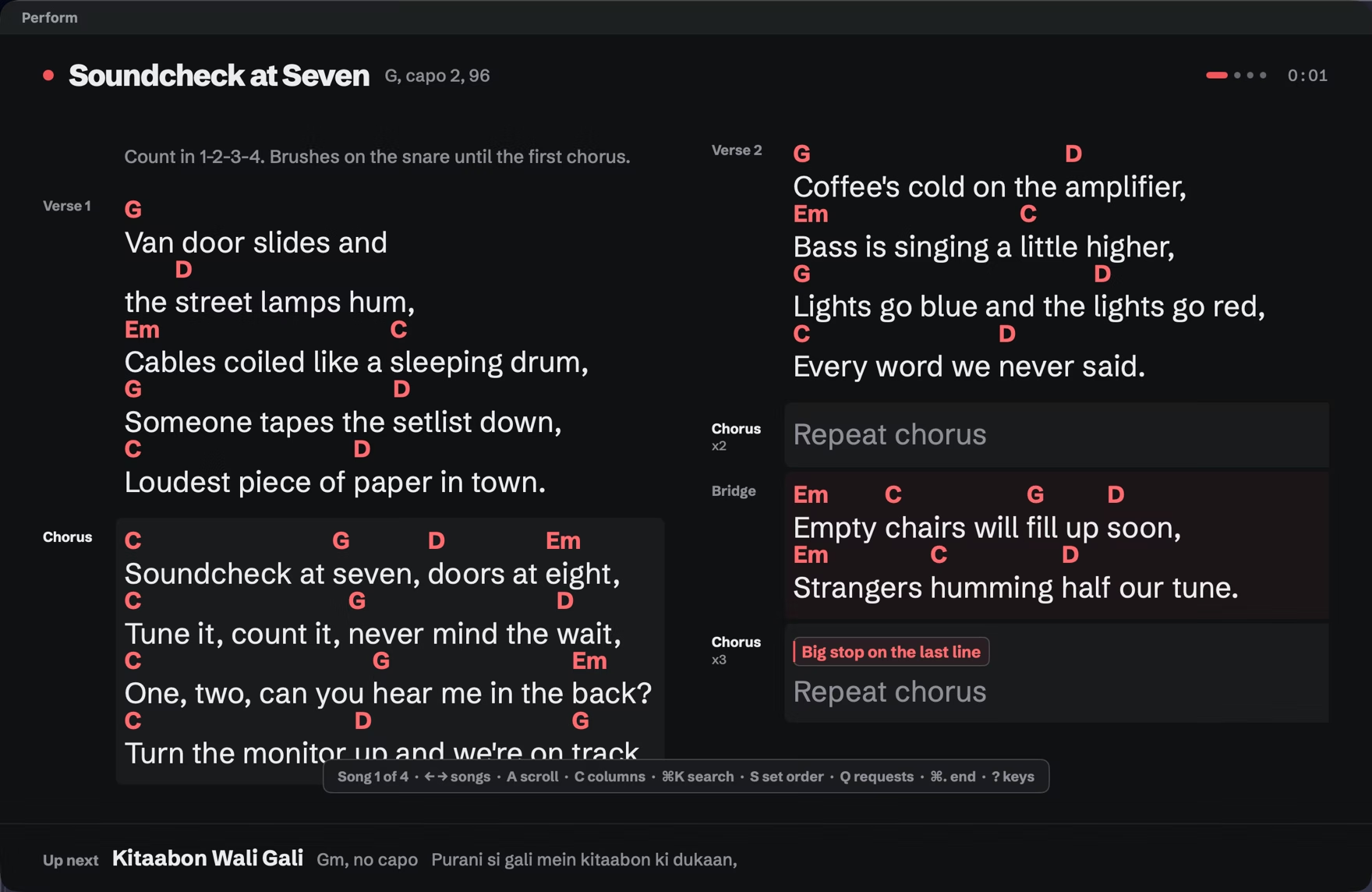
- Go on stage. ⌘↩ starts the show. → is the next song, and ? shows every key.

Clip coming: Starting a show and moving to the next song
Deleted something?
Section titled “Deleted something?”Deleted songs, setlists and gigs go to the Trash, and Edit > Undo brings them back. See Back up and restore.